Features and Benefits
Smarter Way to Capture Events
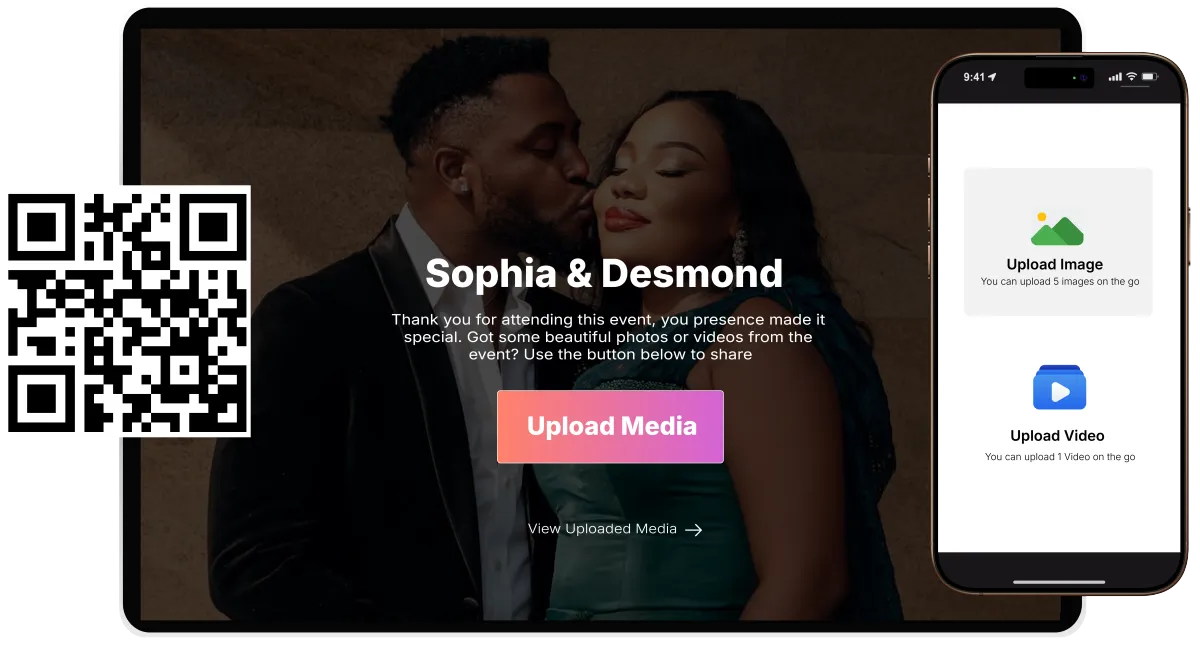
GoMingle makes it simple for guests to share photos, videos and experiences as they happen, while giving hosts the tools to manage, display and save it all in one place.
Event Creation & Customization
Your Event, Your Style
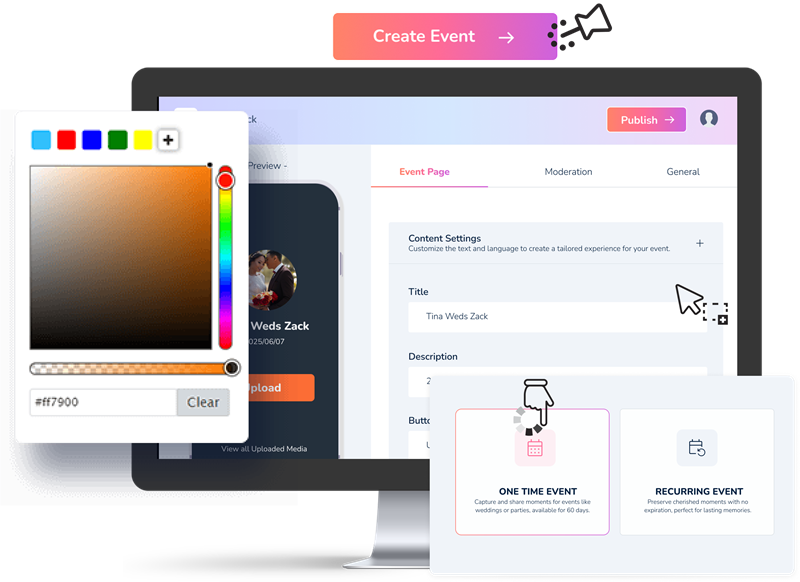
Create a personalised Event Page with your event name, date, location and description. Choose a theme, colours and design that match your Event - from elegant weddings to unforgettable birthdays and professional corporate events.
QR Code and Link Generation
Scan, Share, Go
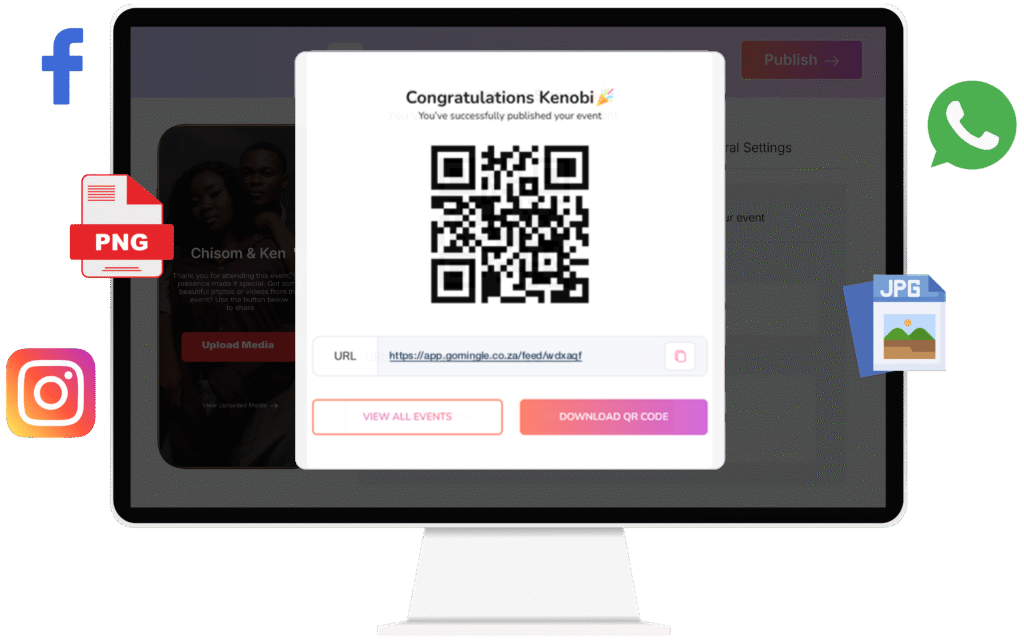
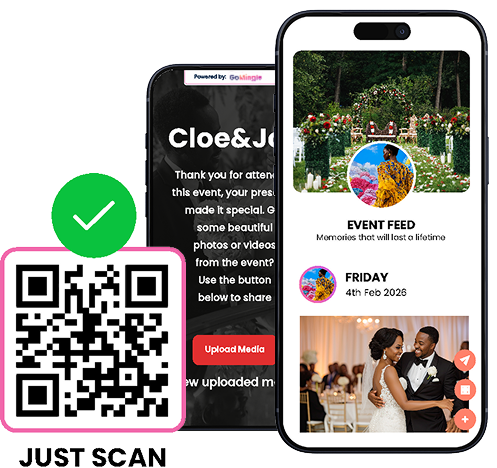
Every Event gets its own unique QR code and shareable link. Display the QR code at your venue, add it to invitations or share the link on WhatsApp, Instagram, Facebook and more. Guests simply scan or tap to access your event and start sharing.
Seamless Media Uploading
More Memories, Less Effort.
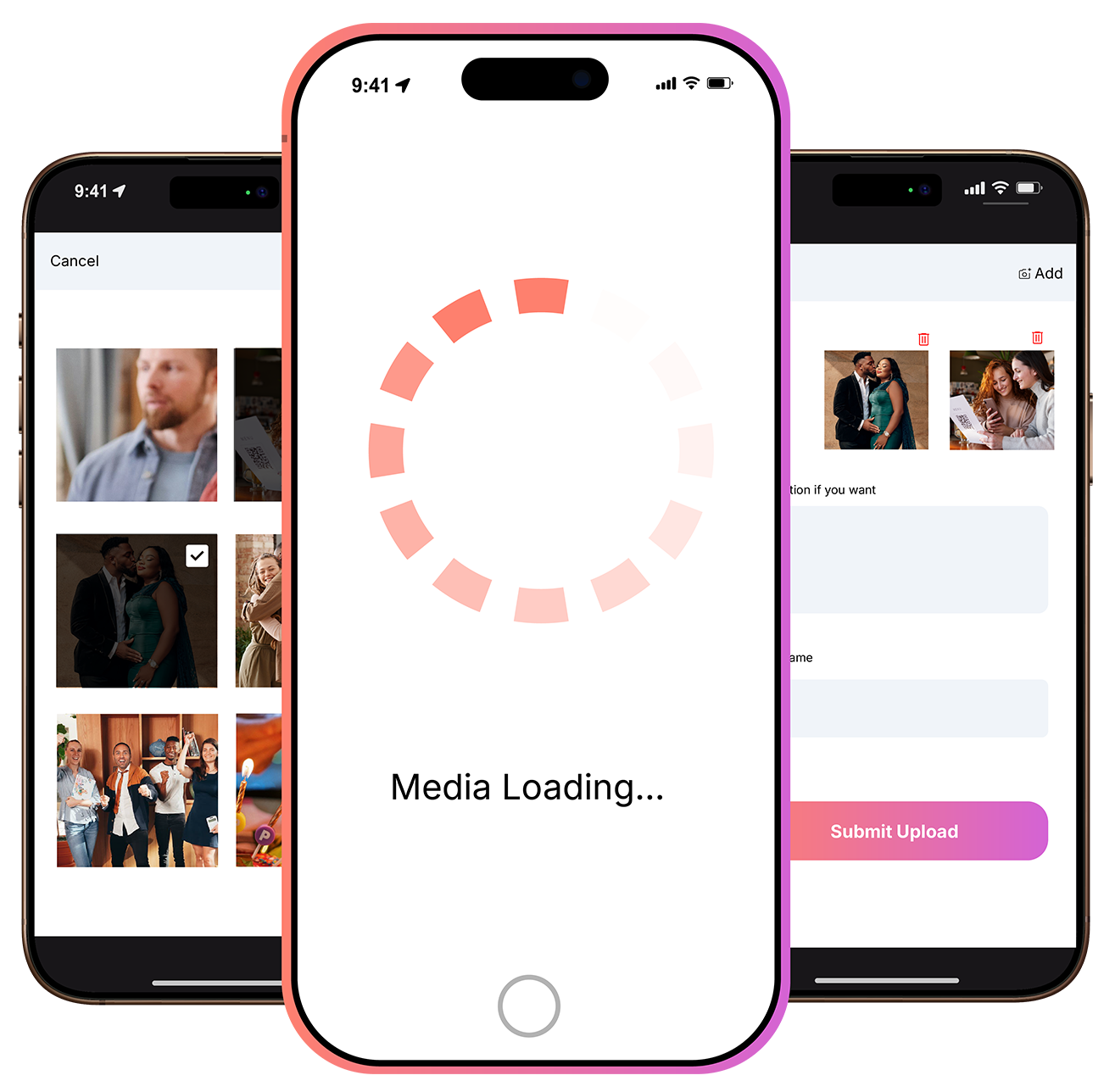
No need to upload memories one at a time. Guests can select multiple photos and videos and share them all at once, with the option to add captions and a little personality to every upload.
Centralized Media Gallery
One Gallery, Every Moment
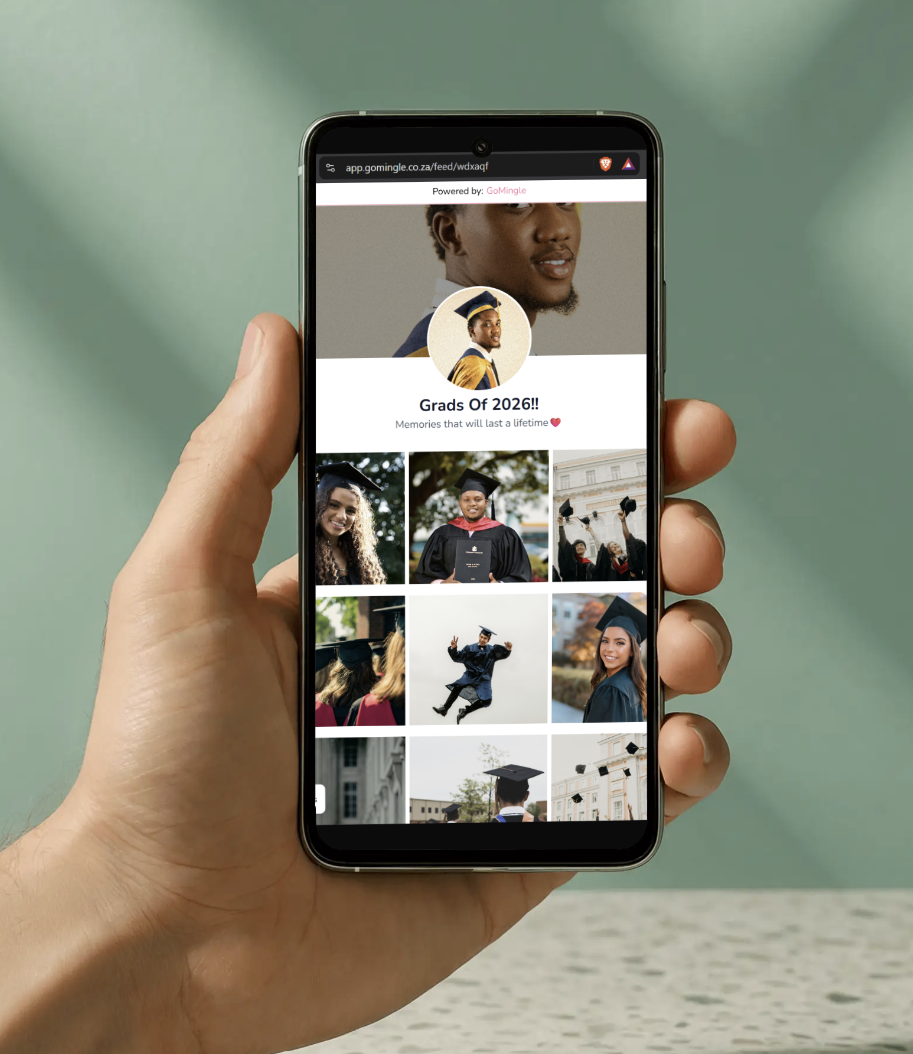
All your event photos and videos, together in one easy-to-navigate gallery. Media is optimized for smooth viewing while keeping your original quality intact.
Media Viewing and Downloading Permissions
Share What You Want, With Who You Want
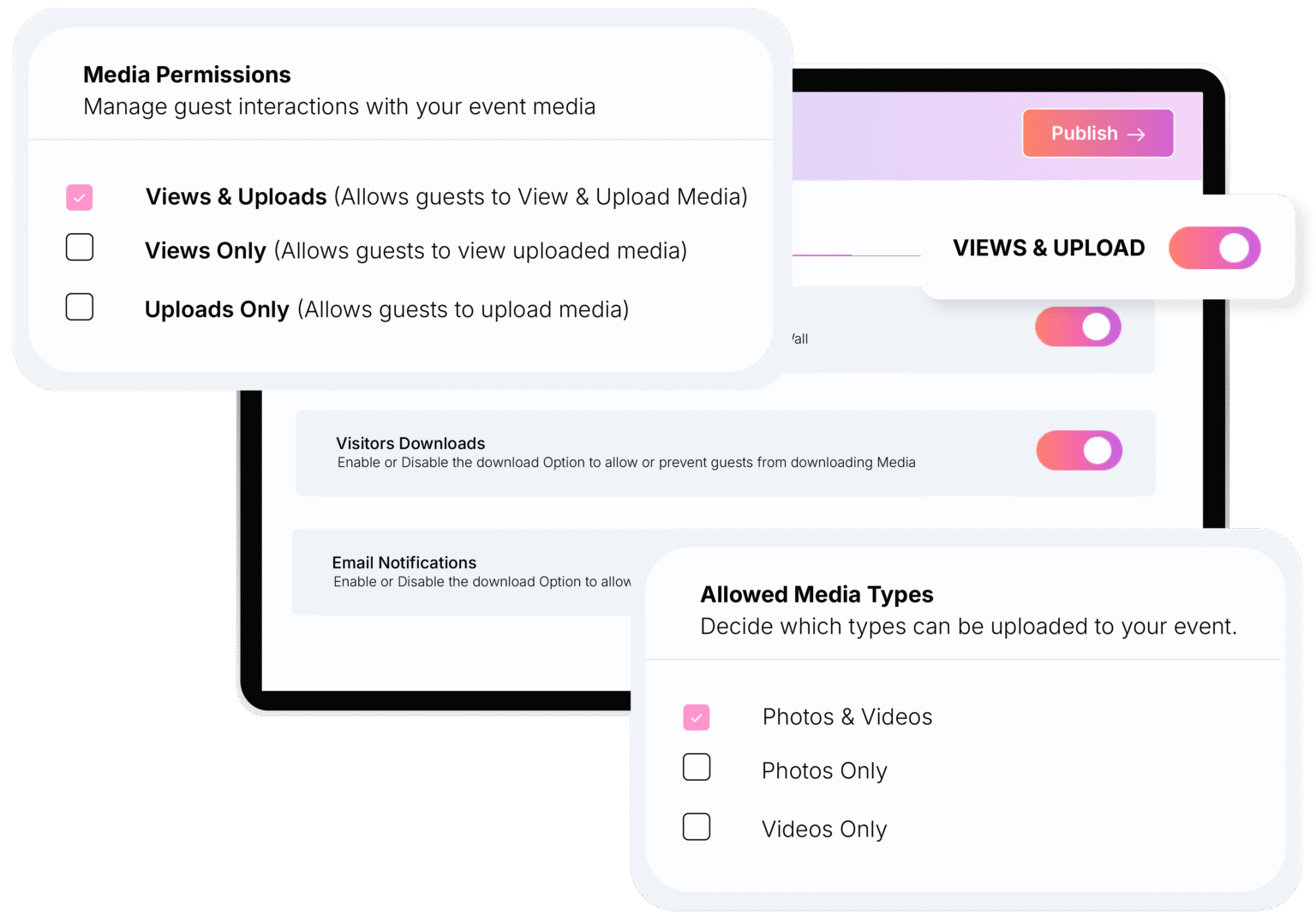
Event Hosts can choose whether guests can view and download photos and videos uploaded by other guests, keeping control of the event gallery in their hands.
Custom Domain Setup
Your Brand, Your Domain, Your Events
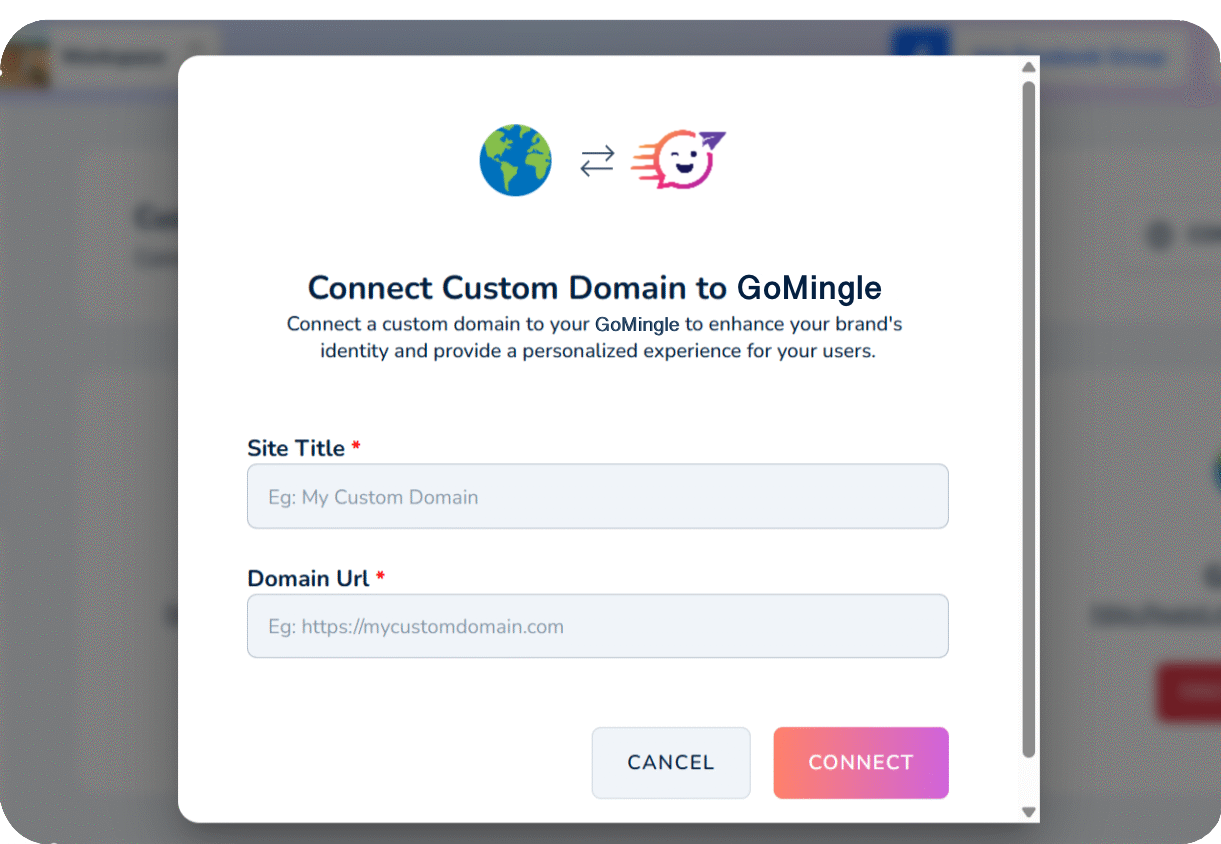
Host your GoMingle event pages on your own custom domain for a more professional, branded experience that feels uniquely yours. Encapsulate trust and professionalism to ensure clients feel like it's an exclusive service provided directly by you.
White-Label Event Pages
Seamless Experience, Without the Extra Branding
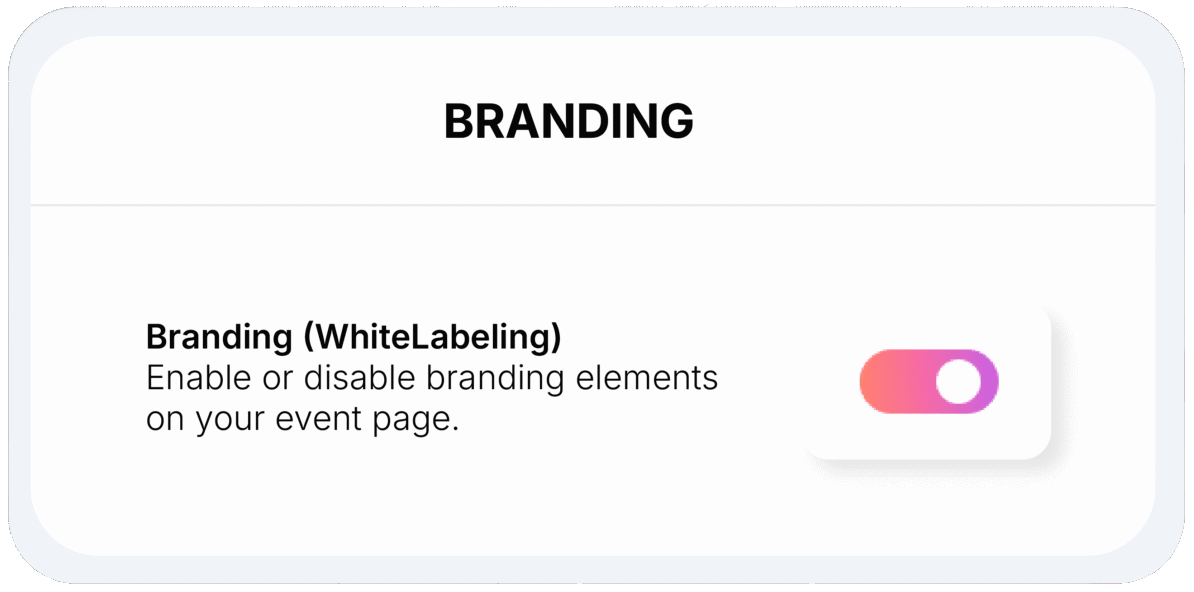
Keep your event pages clean and professional with GoMingle branding removed. Guests see a seamless experience that feels like your own service, making it ideal for event planners, agencies and businesses.
Multi-Platform Support
One Event, Any Device.
Guests can scan the unique QR code or use the event link to upload and view media directly from their browser. Photos and videos sync instantly, keeping everyone connected across devices.
Event Screencast
See Every Moment On The Big Screen
Display guest uploads in real time on TVs, projectors or LED screens. Watch the gallery come to life as photos and videos appear instantly, adding excitement and interaction to your event.
Text Note
Sometimes, A Message Says It All
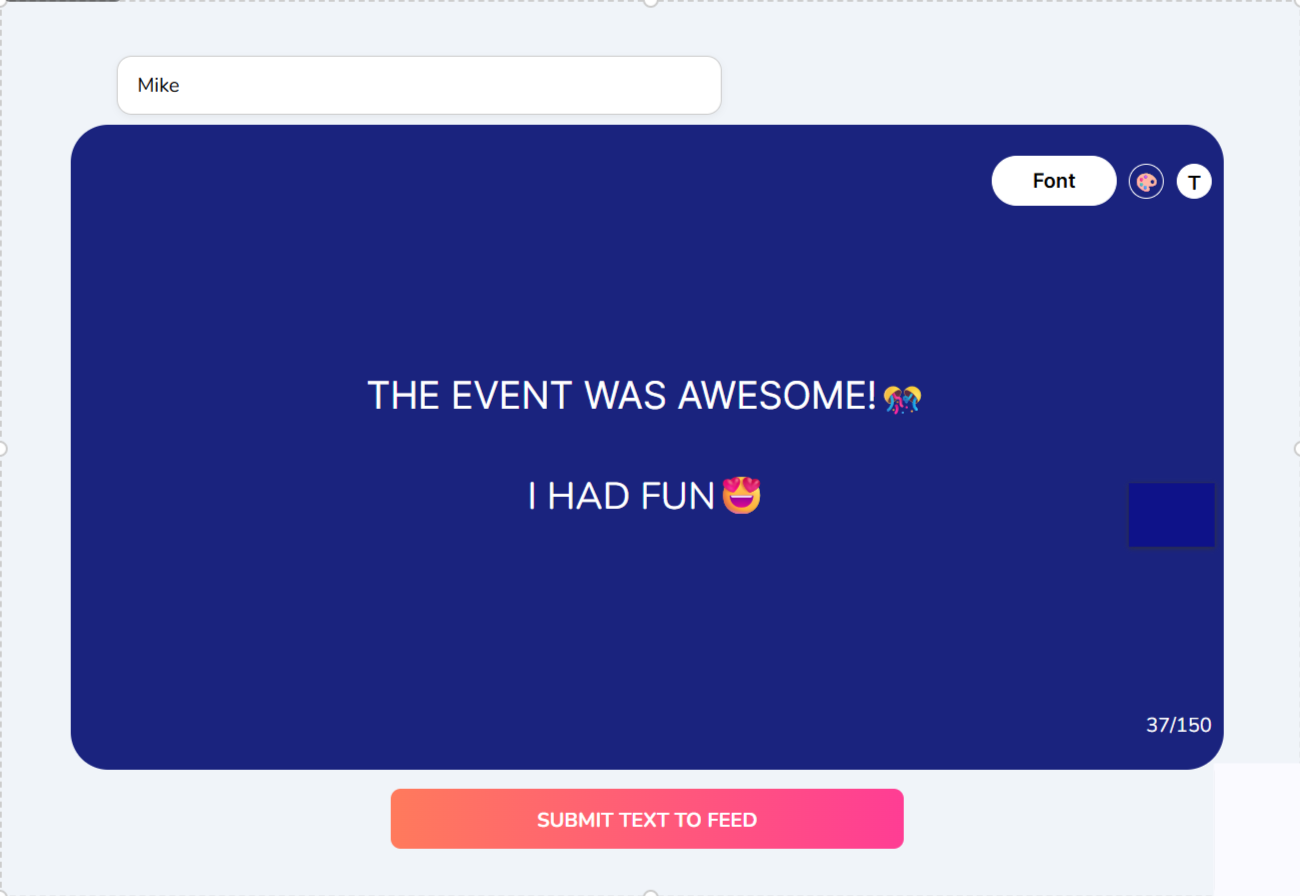
Let guests share their thoughts, wishes and messages without needing a photo or video. A simple way to add words to the event gallery and make every voice part of the memories.
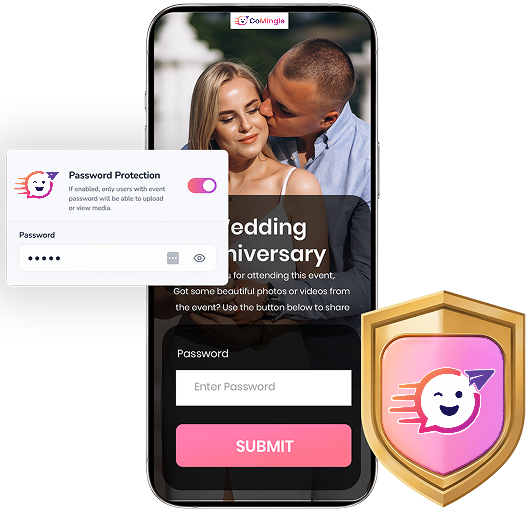
Keep Your Event Private
Your Event, Your Access
Add password protection to control who can access your Event Page. Perfect for private celebrations, exclusive events and businesses that want to keep their memories within their community.
Frequently Asked Questions
Do guests need to download an app to upload photos and videos?
No! Guests can instantly upload their media by scanning the QR code using their phone's camera or browser. No app, no download, no hassle.
What happens when a media upload expires?
All uploaded photos and videos are stored on GoMingle for 45 days from the date they are uploaded, regardless of the plan you choose. Once media has expired, it cannot be recovered.
For example, media uploaded on January 1st will expire and be permanently deleted from GoMingle on February 15th.
Want to keep your memories forever? Download your photos and videos before they expire.
What happens when an Event Page expires?
Your Event Page is available for as long as your chosen plan allows.
Once your Event Page reaches its expiration date, based on your event date:
✅ Guests will no longer be able to access the upload page.
✅ No new photos or videos can be uploaded.
Be sure to download all your memories before your Event Page expires!
What is Media Storage?
GoMingle allows you to connect your Google Drive account so your guests’ uploaded photos and videos can be automatically saved to your Drive - keeping your memories safe and accessible even after your GoMingle Event Page expires.
Can I download all photos and videos at once?
Absolutely! GoMingle makes it easy with one-click bulk download, so you can save all your event photos and videos at once - in high quality and without the extra work of downloading them individually.
Can guests view and download each other's photos and videos?
The event host can customise the experience to suit their event - choosing whether guests can upload media, view shared photos and videos, or download them.
Can businesses and event planners use GoMingle?
Yes! Businesses such as event venues, wedding planners, clubs, and more can use GoMingle to collect photos and videos from their guests and customers - turning real moments into engaging content that can be shared, showcased, and used for promotion.
Can I customise my Event Page?
Yes! Make your Event Page your own with a custom event name, cover photo, and even personalised branding options (for businesses).
Does this work anywhere in the world?
Yes! GoMingle works worldwide across mobile phones, tablets, laptops and desktops. All your guests need is an internet connection to join in, upload, and share memories.
Copyright 2026. GoMingle. All Rights Reserved. | Terms Of Use | Privacy Policy | Refund Policy